Case study · January 2026 · 7 min read
£96K Gone: What Happens When You Trust LinkedIn's Default Settings
A B2B software company let LinkedIn "optimise" its campaigns for four months. Here's where the money actually went.
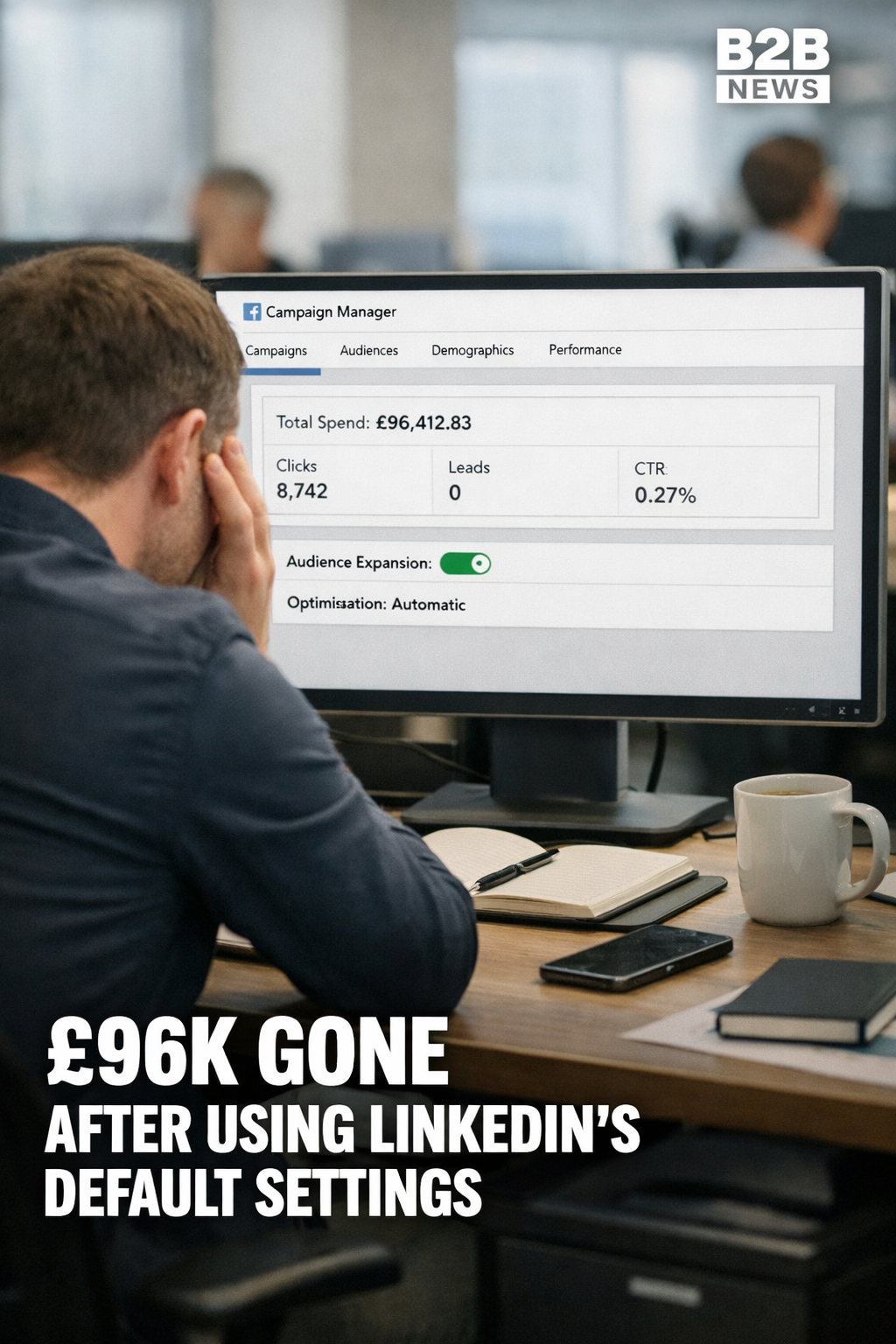
A B2B software company got in touch after four months of LinkedIn Ads. They weren't angry, just confused. Clicks were coming in, spend was pacing nicely and the click-through rate was above benchmark. They hadn't won a single customer.
£96,412
Total spend
3
Demo requests
0
Closed deals
They asked me to audit the account. What I found wasn't unusual, which is the worrying part.
How it was set up
They launched the way most companies do. They followed the prompts and accepted LinkedIn's recommendations. Audience Expansion was switched on. Audience Network was left on.
Nothing in the setup explained what either setting would do to a tightly targeted B2B campaign.
What the dashboard showed
For the first few weeks everything looked fine. Cost per click was reasonable, the budget was spending on schedule and the dashboard was green. The marketing team reported the numbers upwards with confidence.
Nobody had looked at who was actually clicking.
Where the money went
The first thing I check in any audit is placement. 62% of their spend had gone to the LinkedIn Audience Network.
Audience Network shows your ads outside LinkedIn, on third-party apps and websites. LinkedIn says your targeting carries over. In this account, the quality didn't. They were paying for clicks from games and news apps where nobody was in a buying frame of mind, and LinkedIn still reported them as performance.
Go deeper
The 3 hidden settings killing most LinkedIn ad accounts, and how to fix them in minutes.
Read: 3 Hidden Traps Killing Your LinkedIn Ads →Who saw the ads
They were selling software to CFOs and Finance Directors at mid-market UK companies. The demographic breakdown told a different story:
Who LinkedIn showed the ads to:
- • Students and recent graduates
- • Entry-level marketing coordinators with no budget
- • Freelancers in India, Nigeria and the Philippines
- • Junior sales reps, admin assistants and a fair few people with "Aspiring" in their job title
That's Audience Expansion doing exactly what it says. It took a careful finance-director audience and widened it to whoever was cheapest to reach.
Go deeper
Advanced LinkedIn targeting strategies that put your ads in front of actual decision-makers.
Read: The Secret B2B Targeting Hacks for LinkedIn Ads →The real cost per click
Of 8,742 clicks, fewer than 400 came from people who matched their target audience.
Reported cost per click
£11
"Looks reasonable"
Cost per relevant click
£240+
The real number
The campaign wasn't underperforming. It was buying the wrong thing very efficiently.
It's not a one-off
Of the last 100 or so accounts I've reviewed, more than 70 had Audience Network taking half the budget or more. Most of the owners didn't know the setting existed.
LinkedIn isn't hiding anything. The settings are there if you go looking. But the defaults are built to spend your budget, and nothing in the setup flow warns you they work against a small, specific audience.
Go deeper
The 5 most common B2B ad mistakes that waste half your budget, and how to stop them.
Read: 5 B2B Ad Mistakes Wasting Half Your Budget →What we changed
We rebuilt the campaigns from scratch:
- Audience Network off
- Audience Expansion off
- Exclusions for students, entry-level roles, freelancers and irrelevant industries
- Geography locked to the UK
- A list of target companies uploaded, so the ads only reached CFOs and Finance Directors at businesses they actually wanted to sell to
Reach dropped a lot. So did clicks. By LinkedIn's own metrics, the account looked worse.
Within six weeks they had more qualified demos than in the previous four months combined, and cost per acquisition was down 80%.
Go deeper
How to upload company and contact lists to LinkedIn for laser-targeted campaigns.
Read: Upload Company Lists to LinkedIn Ads [2026 Guide] →"Ten clicks from the right people will beat a thousand from the wrong ones."
- James Green
The other thing that wastes budget
Fixing the settings gets your ads in front of the right people. It doesn't make them stop and look.
If the creative looks like every other corporate ad in the feed, people scroll past, click-through drops and LinkedIn charges you more to reach the same audience. I call it the boring ads tax. Here's how niche B2B firms avoid paying it: how 'boring' B2B companies build ads people actually stop for
Worth checking on your own account
If you're running LinkedIn Ads, look at two things this week: the placement breakdown (On Network vs Off Network) in Campaign Manager, and the job titles in your demographics report. If either surprises you, you'll know where to start.
If you'd like a second pair of eyes on it, book a 30-minute call.