The Secret B2B Targeting Hacks
for LinkedIn Ads
The LinkedIn targeting setup that works for 'boring' B2B: a company list filtered by job titles, retargeting your warmest prospects, and exclusions added from real data. Stop wasting money on broad audiences.
Prerequisites
This guide assumes you have Campaign Manager set up and understand the basics. New to LinkedIn Ads?
Start with the Complete Beginner Tutorial first →Author: James Green, Founder @ Evergreen Growth | 7+ years B2B paid social built on results, not hype.
Last updated: November 2026. Rewritten around company lists and job titles, with lookalikes and seniority layering removed.
A quick example
Say you've got 200 companies you'd love to win
Imagine you run a specialist engineering company with 200 businesses you'd love to work with.
With LinkedIn you can reach the relevant people inside those companies, stay in front of past enquiries, retarget eligible website visitors and see which accounts are engaging.
That's a lot more useful than showing another generic advert to 200,000 vaguely relevant professionals.
Jump to the bit you need:
See which companies are actually paying attention
Once your ads run against a company list, LinkedIn's Companies Hub shows engagement by company: how engaged each account is, plus impressions and clicks.
That's gold for sales. Instead of ringing round the whole list, you start with the accounts that keep seeing and clicking your ads. It won't tell you who's ready to buy. It does tell you where to look first.
Want to know which companies you could realistically get your ads in front of?
Watch: The Complete LinkedIn Targeting Tutorial
James walks through LinkedIn targeting with a live screen recording
Live Demo
Actual LinkedIn ads manager walkthrough
Real Examples
5+ years of B2B targeting experience
Step-by-Step
Exactly how to set up each audience type
Recorded in 2024. Two things have changed since: LinkedIn discontinued lookalike audiences in February 2024, and we no longer recommend layering seniority, job function or interests on top of job titles. The written guide below is the current approach.
What This Guide Covers:
- ✅ How to filter a company list by job titles
- ✅ Why seniority and job function widen your audience
- ✅ Step-by-step CRM list upload process
- ✅ Advanced retargeting rules and exclusions
- ✅ How to add exclusions gradually from real data
- ✅ Why Audience Expansion stays off
- ✅ Real client examples and results
- ✅ Why omni-channel approach works better
No obligation • 30-minute strategy call
The LinkedIn Advantage Your Competitors Don't Understand
If you're a B2B business stuck doing what you've always done - cold emails, trade shows, hoping for referrals - you're missing the targeting goldmine that's been waiting for you.
Here's what most 'unsexy' B2B businesses don't realise: LinkedIn has the exact targeting capabilities that make boring businesses impossible to ignore.
Why This Works for 'Boring' B2B
- ✅ You know exactly which companies you want to target
- ✅ No one browses your B2B website 'for a laugh'
- ✅ Your prospects are scrolling LinkedIn between meetings
- ✅ You can literally upload your CRM and target those exact people
The 4 Building Blocks That Generate Leads
Start with the companies and the job titles, warm them up with your own lists and website visitors, then tighten the audience with exclusions as real data comes in.
Company List + Job Titles
Your target firms, filtered by the titles that buy
CRM Upload
Target your exact prospect list
Website Retargeting
Re-engage serious prospects
Gradual Exclusions
Remove wasted clicks using the demographics report
Most B2B Companies Get This Wrong
❌ What They Do:
- • Broad "business owner" targeting
- • Generic "marketing" audiences
- • Never upload their prospect lists
- • Ignore website visitors completely
- • Stack seniority and job function on top of job titles
✅ What Actually Works:
- • A company list (or size + industry) filtered by job titles
- • CRM list targeting for warm prospects
- • Retargeting pricing page visitors
- • Exclusions added gradually from real data
No obligation • 30-minute strategy call
The 4 LinkedIn Targeting Strategies That Work
Straight from 5+ years of helping B2B businesses generate leads through LinkedIn. These aren't theory - they're battle-tested strategies that work for manufacturing, logistics, consultancy, and every 'boring' B2B industry.
Strategy #1: Company List + Job Titles (The Foundation)
LinkedIn knows two things no other ad platform knows properly: where someone works and what their job is. So the foundation is simple. Pick the companies first, then pick the job titles inside those companies. That's it. Everything else in this guide sits on top of that.
Step 1: Pick the Companies
- Best: a company list. Upload the firms you actually want to win (300 companies minimum). This is the ideal setup.
- No list yet? Use company size plus industry instead, matched to the clients you've already won.
- Location: only the countries or regions you can actually sell to.
Step 2: Filter by Job Titles
- Job titles are the main filter. List the titles of the people who sign off or push for the purchase.
- Think buying committee: usually 3 to 6 people, not just the boss.
- Leave seniority and job function alone. Adding them on top of job titles makes your audience bigger, not smaller. More on that below.
Why Stacking Seniority and Job Function Backfires
In Campaign Manager, job titles, job functions, seniorities and skills all sit in the same job experience group. LinkedIn treats anything inside one group as OR. So most people who "layer" seniority on top of their job titles think they're narrowing the audience. They're actually adding every director, in every department, at every company you selected.
What people think they're building: Finance Director AND Director-level
What LinkedIn actually builds: Finance Director OR any Director
Interest targeting and skills have the same problem for small B2B tests. They're loose, they widen the audience and they pull in people who will never buy from you. Leave them out.
Layering That Actually Narrows
Only layer things LinkedIn joins with AND. Different groups get joined with AND, so this is the setup that genuinely narrows your audience to the right people:
(Company list, or company size + industry)
AND
(Job titles)
AND
(Location)
then exclusions, added gradually (Strategy #4)
Key Insight: "Don't go too narrow too early. The more narrow the audience, the more expensive it can be because you're bombarding a small group. But they could be the perfect people - so it depends what you're selling." LinkedIn needs at least 300 matched members to deliver. On a small test budget, aim for roughly 500 to 5,000.
Strategy #2: CRM List Upload (The Game Changer)
From the video: "The next audiences I'm going to speak about are the real magic within LinkedIn. It combines your first-party data - people actually interacting with you or the ones you hope to be interacting with - identifies them on LinkedIn and puts your advertising on their timelines."
This is the unbelievable leverage LinkedIn has uniquely because it's got people's job, company and work data.
Your B2B Advantage
- You know the companies you want to speak to (most B2C businesses don't)
- Your CRM/Salesforce already has these prospect lists
- Your 'dream targets' who don't reply to cold emails
- Lapsed customers you need to re-engage
How to Upload (Step-by-Step)
- Export CSV from your CRM
- Include company URLs/domains
- Upload to LinkedIn (minimum 300 companies)
- LinkedIn matches and creates your audience
📖 Need the full walkthrough with screenshots? See our complete LinkedIn List Upload Guide →
Real Client Example
From the video: "For one B2B client we've been working with for the past 5 years in the IT sector, they've got a large list of IT resellers and clients they work with. We actually put their latest promotions, events, and webinars to the list of companies they already work with."
Use Case: Target existing customers with new product launches, events, or upgrades. Much cheaper than acquiring new customers.
The Ultimate LinkedIn Hack
From the video: "It's a game changer. If you could put your best video pitch - the 3 reasons why they need to work with you - to everyone who's on your CRM list that's not getting back in touch, that's a win you could do this week."
Imagine: Your prospect ignores your cold emails, but sees your video ad on LinkedIn while scrolling between meetings. Game over.
Don't Have a CRM List? Here's the Workaround
From the video: "If you don't have a CRM or sales list of companies to hand, there are tools that let you scrape the first 5 pages of Google URLs when you search for [your target audience] and build that audience right off Google."
Google Search Method:
- 1. Search: "manufacturing companies UK"
- 2. Scrape first 5 pages of URLs
- 3. Upload to LinkedIn as company list
- 4. Start targeting immediately
Best Practices:
- • Minimum 300 companies for good match rates
- • Separate cold vs warm lists
- • Regular list updates (quarterly)
- • Layer with job title targeting
Quick Refresher: Watch the Full Tutorial
Strategy #3: Website Retargeting (The Obvious Winner)
From the video: "You know that phenomenon where you shop for trainers on your phone, abandon the cart, then get reminded everywhere? We apply these same principles to B2B and it produces unbelievable results."
The B2B Truth: "No one's browsing your B2B website for a laugh. No one's browsing your software pricing page for a laugh. Meaning they're probably interested or evaluating you against 5-10 competitors."
Why B2B Retargeting Works
- • High Intent: They're researching solutions, not browsing for fun
- • Active Evaluation: Comparing you to competitors right now
- • Perfect Timing: Catch them when decision-ready
- • Stay Top of Mind: While competitors get forgotten
Timeframe Strategy
- • 30 days: Hot prospects, immediate decision
- • 90 days: Warm prospects, longer evaluation
- • 180 days: Cold prospects, awareness building
- • Pro Tip: Different messaging for each timeframe
Advanced Page-Specific Targeting
From the video: "You can be more specific and target specific landing pages, specific pages they've browsed, and even create layered rules."
High-Intent Pages
- • Pricing page visitors
- • Demo request page
- • Contact us page
- • Case studies page
Exclusion Rules
- • Visited pricing BUT NOT thank you
- • Visited services BUT NOT contact
- • Downloaded guide BUT NOT booked call
Layered Targeting
- • Pricing page + job title
- • Case study + company size
- • Multiple page visits
The Competitive Advantage
From the video: "You want to be the one that stands out, that's in front of them when they're more aware, more trusting, with more opportunity to convert and get the deal done."
The Reality: While your 5-10 competitors sit forgotten in browser tabs, you're appearing on their LinkedIn feed with targeted messaging. Who do you think they'll remember?
⚠️ Critical Setup Requirement
From the video: "You cannot build a retargeting audience until the LinkedIn Insight Tag is on your website. It's really simple - your website developer just needs to copy and paste a snippet of code into your website header."
Action Step: Install the LinkedIn Insight Tag today. Without it, you're missing the easiest B2B targeting strategy that exists.
Strategy #4: Exclusions, Added Gradually (The Money Saver)
Most people try to exclude everything on day one. Competitors, students, recruiters, ten industries they don't like. Then the campaign barely spends and they have no idea which exclusion broke it.
Start fairly clean. Launch with your company list (or company size + industry) and job titles. Then let the demographics report tell you who to take out.
Where to Look
- Demographics report: in Campaign Manager, open the campaign and choose Demographics
- Check by job title and by company: who is actually clicking?
- Give it a week or two so you're reacting to a pattern, not one odd click
- Change one thing at a time so you know what helped
What to Exclude When You See It
- Wrong job titles: titles that click but never buy
- Competitors: they love checking out your ads
- Existing clients: unless the campaign is for them
- Job seekers and students: cheap clicks, no budget
Why Gradual Beats Day-One Exclusions
Exclude From Real Data
- You only remove people who are actually wasting money
- The audience stays big enough to deliver
- You can see the effect of each change
- Your targeting gets sharper every week
Exclude Everything Up Front
- You guess at problems you haven't seen yet
- The audience can drop below 300 members and stall
- You can't tell which exclusion caused the drop
- You might cut out people who would have bought
What About Lookalike Audiences?
LinkedIn discontinued lookalike audiences in February 2024. If you read advice telling you to build a LinkedIn lookalike from your customer list, it's out of date. Lookalikes still exist on Meta, where they're worth testing from a customer list or website visitors.
On LinkedIn
Upload a bigger company list instead of looking for a lookalike
Need More Reach?
Add more companies and more relevant job titles before loosening anything else
On Meta
Lookalikes from your customer list are still available
And Keep Audience Expansion Off
Audience Expansion and the LinkedIn Audience Network are switched on by default. Both send your budget to people outside the audience you just built so carefully.
Do this on every campaign: turn Audience Expansion off and untick the LinkedIn Audience Network before you launch.
No obligation • 30-minute strategy call
The Omni-Channel Secret
From the video: "LinkedIn announced performance improves when you're doing what we call an omni-channel approach. You're getting traffic, getting leads and getting interest not only from LinkedIn ads but applying the same practices to Facebook, Instagram, Google, YouTube, and even TikTok."
Why This Matters for 'Unsexy' B2B:
- • Your prospects aren't just on LinkedIn - they're scrolling TikTok on the toilet
- • Multi-platform presence = impossible to ignore
- • Same targeting principles work across all platforms
- • While competitors stick to LinkedIn only, you dominate everywhere
The Bottom Line
"You're going to be the one that's not forgotten because they're going to be more aware of who your business is. They're going to have more trust, more awareness, your reputation is going to grow, and they're more likely to close the deal with you over those other competitors who just blend into the background."
One real benefit for B2B businesses: A social media advertising campaign warms those leads up really effectively and makes your sales team's job so much easier because they're closing people who already know you - as opposed to hammering down doors with cold calling and cold emails which just doesn't work in 2024.
Quick Refresher: Watch the Full Breakdown Again
Watch Free B2B Ad Tutorials
Campaign breakdowns, creative strategy, and LinkedIn Ads walkthroughs — straight from a practitioner, not a guru.
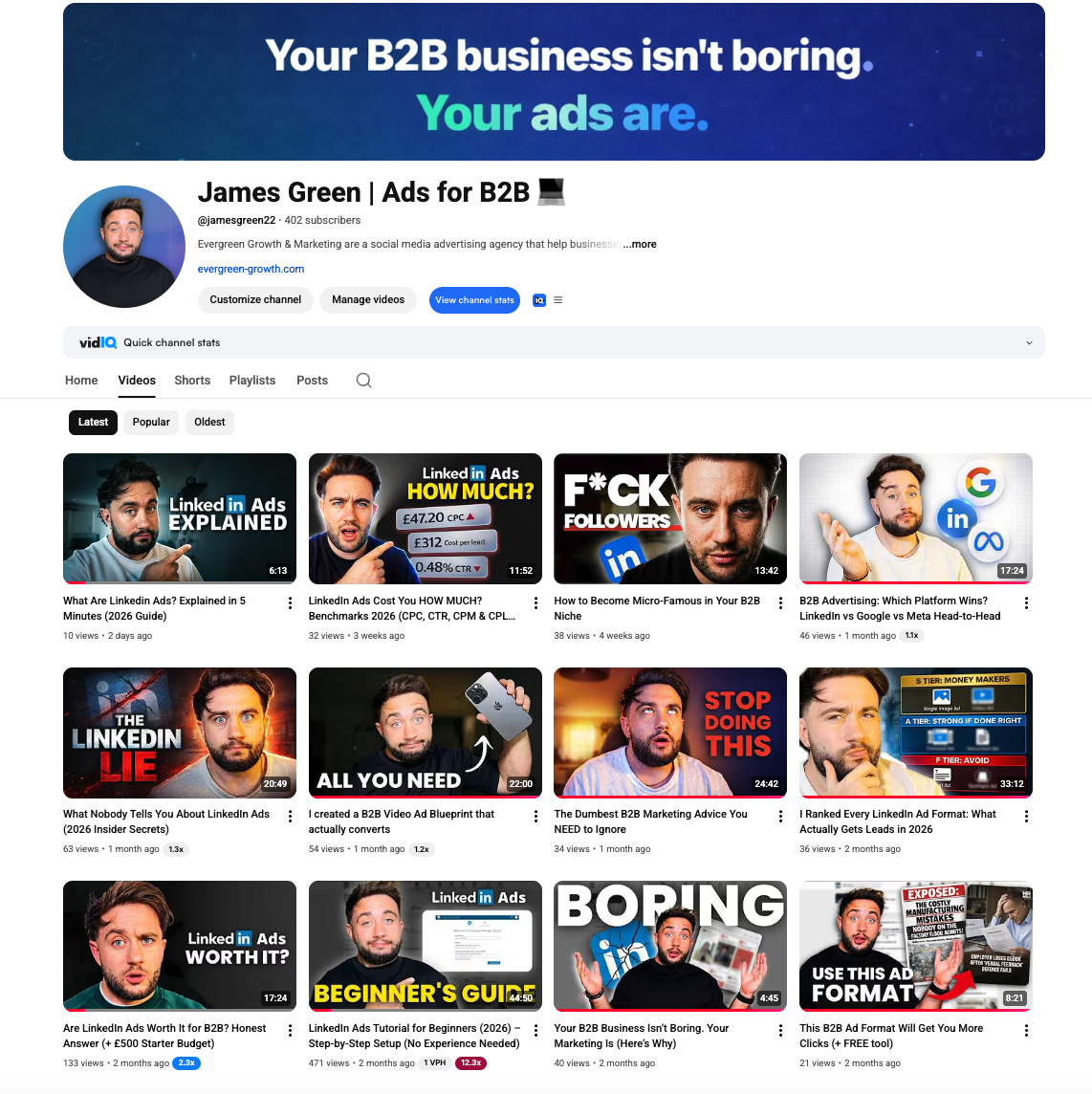
James Green | Ads for B2B
Free B2B advertising tutorials, LinkedIn Ads breakdowns, and creative strategy
Frequently Asked Questions
Your LinkedIn targeting questions answered with real campaign insights.
A company list filtered by job titles. Upload the companies you want to win (or use company size plus industry if you don't have a list), then add the job titles of the people who buy. Add location, then exclusions as the demographics report shows wasted clicks. That's the setup we start every niche B2B campaign with.
No. Job titles, job functions, seniorities and skills sit in the same group in Campaign Manager, and LinkedIn treats anything in one group as OR. So adding seniority to your job titles doesn't narrow the audience, it adds every person at that seniority level. Stick with job titles on top of your company list or company size plus industry.
Precise, but not tiny. LinkedIn needs at least 300 matched members to deliver, and on a small test budget an audience of roughly 500 to 5,000 people works well. Broad 'business owner' targeting spends your money on people who will never buy. Get the companies and job titles right first, then widen by adding more companies or relevant titles if you need more reach.
LinkedIn needs 300 matched members (people, not companies) before a campaign will deliver. For a first test on a small budget, aim for roughly 500 to 5,000. If your company list matches fewer people than that, add more companies or more relevant job titles.
Yes, and you should, but gradually. Launch fairly clean, then check the demographics report after a week or two. Exclude the job titles that click but never buy, competitors, existing clients and job seekers as you see them. Front-loading every exclusion on day one can shrink the audience below what LinkedIn needs to deliver.
No. LinkedIn discontinued lookalike audiences in February 2024. If you need more reach on LinkedIn, upload a bigger company list or add more relevant job titles. Lookalikes are still available on Meta, built from a customer list or website visitors.
Upload company lists or contact lists, or use website visitors tracked by the LinkedIn Insight Tag, to create audiences of people you already know about. Company lists are the foundation of cold targeting. Website visitors and contact lists are your warmest prospects, so run them in separate campaigns with their own messaging.
No. Turn it off on every campaign, along with the LinkedIn Audience Network. Both are on by default and both send your budget to people outside the audience you built. For niche B2B, precision is the whole point.
Check the demographics report weekly for the first month and add exclusions as patterns appear. Refresh creative every 4 to 6 weeks to avoid ad fatigue. Expand your company list before you loosen anything else in the targeting.
Ready to Dominate Your Market?
These LinkedIn targeting strategies are just the beginning. Most established B2B businesses are sitting on a goldmine of untapped advertising potential, but they need the right expertise to unlock it.
If you're tired of inconsistent lead flow and want a proven system that generates qualified prospects while you focus on closing deals, we should talk.
What Our Elite B2B Clients Get:
Investment range: £2k-£8k/month for serious businesses ready to scale. Not suitable for startups or businesses spending less than £1k/month on advertising.
Related Tools & Resources
LinkedIn Ads Budget Calculator
Estimate your CPL, expected leads, and break-even deal size
LinkedIn Ads Benchmarks UK 2026
Complete CPC, CPM, CPL data by industry with expert commentary
How to Lower Your LinkedIn CPC and CPM
Cut LinkedIn costs without losing the buyers who matter
What's a Good LinkedIn Ads CTR?
CTR benchmarks by ad format and how to diagnose a low CTR