

How to Set Up Meta Business Manager (2026)
Meta keeps renaming things. Business Manager. Business Suite. Business Portfolio. The name changes, the setup stays confusing. If you've never run Facebook or Instagram ads for your B2B company, this is where it starts.
This guide walks you through creating your Meta Business Portfolio (the current name), setting up your first ad account, and installing the Meta Pixel. No detours, no jargon, no accidentally boosting a post for £500.
Written by James Green — I've set up Meta Business Manager for dozens of B2B clients. Most of them had the same reaction: "Why is this so confusing?" It doesn't have to be. This guide is based on real onboarding, not Meta's help docs.
What Is Meta Business Manager (and Why You Need It)
Meta Business Manager is the central hub that holds all your business's Meta assets: your Facebook Page, Instagram account, ad accounts, pixels, and team access. Think of it as the parent container for everything advertising-related on Facebook and Instagram.
Without it, you're running ads from a personal profile — which means limited features, no ability to add agencies, and a mess when someone leaves the company. Business Manager fixes all of this.
Team Access
Add team members and agencies with specific permissions. No shared logins needed.
Asset Organisation
Pages, ad accounts, pixels, and catalogues all in one place. Clean and manageable.
Security
Two-factor authentication, controlled access, and audit logs. Your business stays yours.
What You Need Before You Start
Step-by-Step: Set Up Meta Business Manager
1Go to Meta Business Manager
Visit business.facebook.com and sign in with your personal Facebook account. Click "Create Account" or "Create a Business Portfolio" (Meta changes the button text regularly — it does the same thing).
2Enter Your Business Details
Fill in:
- • Business name: Your company's legal or trading name
- • Your name: The person creating and managing this portfolio
- • Business email: Your company email (not a personal Gmail). Meta will send verification and notifications here.
3Complete Business Information
Add your business address, phone number, and website URL. This information is used for business verification (which you should do — see FAQ). Make sure it matches your official business registration.
4Add or Create Your Facebook Page
Go to Business Settings → Accounts → Pages. If you already have a Facebook Page, click "Add" and claim it. If you don't have one, click "Create" and set one up. Your ads will be served from this Page.
5Enable Two-Factor Authentication
Go to Business Settings → Security Centre and enable two-factor authentication for all admins. Meta frequently locks accounts that don't have 2FA enabled, and recovering a locked ad account is a nightmare that can take weeks.
This is not optional. Meta disables ad accounts for security reasons more than any other platform. Two-factor authentication is your insurance policy. Skip it and you will regret it.
Create Your First Ad Account
Your Business Manager is the container. Now you need an ad account inside it — this is where campaigns live.
Install the Meta Pixel
The Meta Pixel tracks what happens on your website after someone sees or clicks your ad. Without it, you're running ads blind — no conversion data, no retargeting audiences, no optimisation.
<head>Full Meta Pixel setup guide — Detailed walkthrough with GTM integration and event configuration.
Common Mistakes to Avoid
Running ads from a personal Facebook profile
→ Always use Business Manager. Personal profiles have limited features, no team access, and you can't add agencies.
Not enabling two-factor authentication
→ Meta locks accounts without 2FA. It takes two minutes to set up and saves weeks of recovery headaches.
Choosing the wrong currency for your ad account
→ Currency is permanent. GBP for UK. EUR for Europe. Check twice before creating the ad account.
Letting your agency create the Business Manager
→ You own your Business Manager. You create it. You add your agency as a partner. Never the other way around.
Skipping Meta Pixel installation
→ Without the pixel, you can't track conversions, build retargeting audiences, or optimise campaigns. It's not optional.
Not verifying your business
→ Business verification unlocks features and reduces the risk of account restrictions. Do it early.
AI Setup Assistant
First time setting up Meta Business Manager? Copy this prompt into ChatGPT or Claude for personalised guidance:
Meta Business Manager Setup Assistant
You are a Meta (Facebook) advertising expert. This prompt is based on the methodology from evergreen-growth.com/articles/create-meta-business-manager

I'm setting up Meta Business Manager for the first time and need guidance.

Please ask me these questions one at a time, then provide customised step-by-step guidance:

1. Do you already have a Facebook Business Page for your company?
2. Have you ever run Facebook or Instagram ads before (even from a personal account)?
3. What country are you in and what currency do you want for billing?
4. Do you have a website where you can install the Meta Pixel?
5. Will you be managing ads yourself or granting access to an agency?
6. What's your approximate monthly advertising budget?

After I answer, provide:
- Step-by-step Business Manager setup instructions
- How to create and configure your first ad account
- Meta Pixel installation guidance for my situation
- Whether I should verify my business (and how)
- Security recommendations (two-factor auth, admin roles)
- Common mistakes to avoid for my specific setup
Business Manager is set up. Now make it work.
Add a Partner to Meta Business Manager
Grant your agency access to your ad account and pixel with the right permissions.
Add partnerFacebook Ads for B2B: Complete Guide
How to use Facebook Ads for B2B lead generation. Targeting, budgets, retargeting, and creative.
Read the guideMeta Pixel Setup Guide
Detailed Pixel installation and event configuration. GTM and manual methods covered.
Install PixelFacebook Retargeting for B2B
Set up retargeting audiences, custom audiences, and conversion campaigns that actually convert.
Set up retargetingFree Facebook Ads course for B2B — 5 modules covering setup, targeting, creative, optimisation, and scaling.
B2B Facebook ad creative that works — Real examples with breakdowns. Formats for retargeting and lead generation.
Want someone to set up your Meta Ads properly from day one?
We handle Business Manager setup, Pixel installation, conversion tracking, audience creation, and your first campaign structure. Properly configured so you don't waste your first month's budget on Meta's default settings.
Access is sorted. Now make sure your ads aren't boring.
Most B2B ads look like they were designed by a committee and approved by legal. If your campaigns are going to actually work, the creative needs to stop the scroll. These will help.
Scroll-Stopping Ads for "Boring" B2B
Your industry isn't boring. Your ads are. Here's how to fix that with proven creative frameworks.
Read the guideSteal These 4 B2B Ad Formats
The Elite Secret, Deal-Killer, Proof Ping, and Buyer POV. Real concepts you can take and run with.
Steal themFilm a B2B Video Ad on Your Phone
Your best sales pitch, filmed on your iPhone, running 24/7 to your dream customers. The exact blueprint.
Get the blueprintAnti-Ad Builder
Generate bold, pattern-interrupting ad copy that sounds nothing like your competitors. Built to stop the scroll.
Try it free6 ecom ad concepts stolen from B2C — DTC brands are years ahead on creative. These proven concepts, adapted for B2B, will make your ads look nothing like your competitors'.
B2B Facebook ad creative that actually works — Real examples with breakdowns. Formats for retargeting, cold prospecting, and lead generation.
CHAOS and SINK frameworks for B2B ads — Two frameworks and two creative drills to generate headlines that stop the scroll.
Watch Free B2B Ad Tutorials
Campaign breakdowns, creative strategy, and LinkedIn Ads walkthroughs — straight from a practitioner, not a guru.
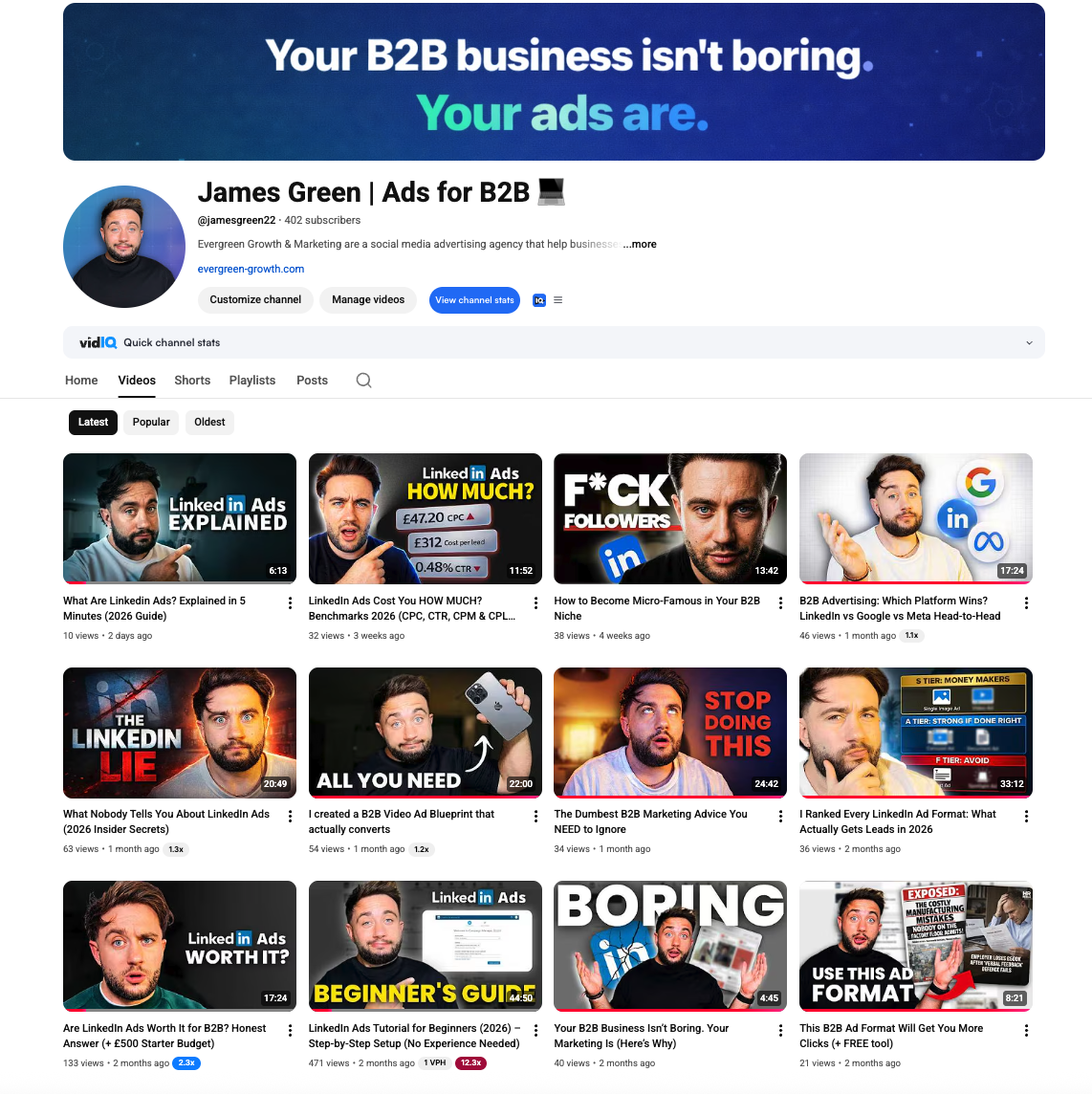
James Green | Ads for B2B
Free B2B advertising tutorials, LinkedIn Ads breakdowns, and creative strategy
Frequently Asked Questions
Related Tools & Resources
LinkedIn Ads Budget Calculator
Estimate your CPL, expected leads, and break-even deal size
LinkedIn Ads Benchmarks UK 2026
Complete CPC, CPM, CPL data by industry with expert commentary
How to Lower Your LinkedIn CPC and CPM
Cut LinkedIn costs without losing the buyers who matter
What's a Good LinkedIn Ads CTR?
CTR benchmarks by ad format and how to diagnose a low CTR
Related Searches
People searching for this topic also search for: